Best Mp3Juice Alternatives and What to Compare
At a glance
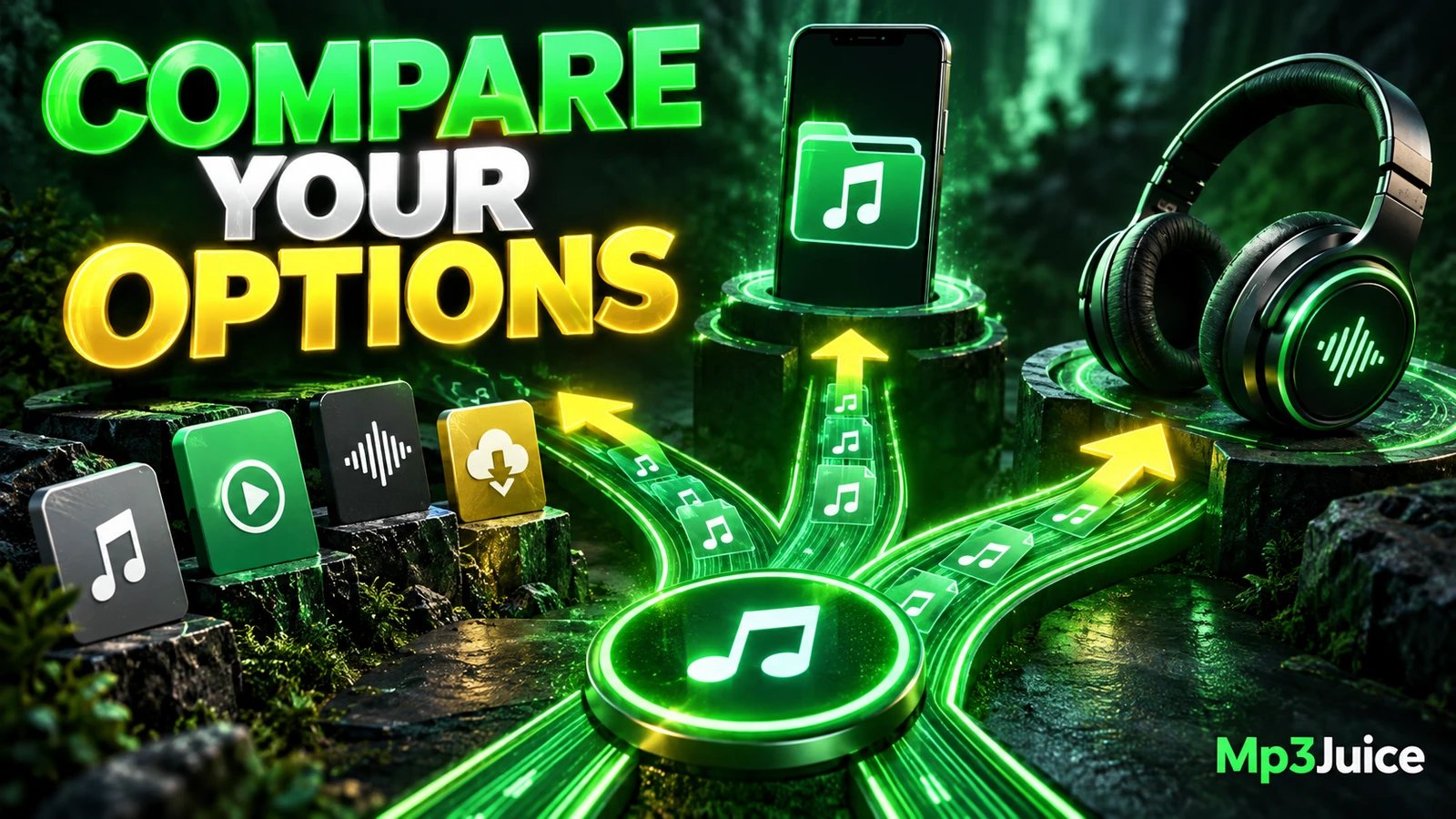
The best Mp3Juice alternative depends on your goal. Choose licensed artist sources for clear download permission, streaming offline mode for app-based listening, library tools for files you already have, or same-domain support pages for a similar browser workflow.
In this guide
The best Mp3Juice alternative depends on what you need next: a clearly authorized artist download, app-based offline listening, a tool for files you already own, or another entry point on the same site. The Mp3Juice homepage is useful for a single search by song title, artist name, or an individual YouTube URL, and the homepage search does not require an account. It should not be treated as proof of song ownership, copyright permission, file safety, or guaranteed quality.
Compare by Intended Use
There is no single best replacement for every person, because different services solve different problems. A listener who wants a licensed copy to keep is not looking for the same thing as someone who wants a streaming app to work on a flight. A musician organizing demos has different needs again. Start with the task, then compare the service category.
| Primary Need | What to Compare | Likely Category |
|---|---|---|
| Authorized artist downloads | Permission terms, receipts, artist or label source, allowed use | Licensed music stores or artist pages |
| Offline listening without a portable file | App access, subscription rules, device limits, cache behavior | Streaming service offline mode |
| Managing files you already have | Tag editing, folder structure, backup workflow, playback support | Personal music library tools |
| Similar browser-based conversion entry point | Single search, preview availability, format options, ad separation | Same-domain supporting pages |
This comparison is more useful than ranking names without context. Faster, safer, higher quality, or more legal cannot be assumed merely because a service has a different brand or interface.
Authorized Artist Download Alternatives
If your goal is to support creators, keep a copy for a project, or reduce uncertainty about rights, look for a source that clearly offers the track for download with permission from the artist, label, distributor, or rights holder. That may be a paid store, a direct artist page, a label download, or a platform where the creator has posted explicit download terms.
The important comparison is not just whether a file downloads. Compare what the page says you may do with the recording. Personal listening, public performance, remixing, commercial video use, podcast use, and redistribution can involve different permissions. A receipt or license language can help document what you obtained, but you still need to read the terms that apply to the specific work.
By contrast, an ordinary result on Mp3Juice does not establish that the uploader, artist, label, composition owner, or sound recording owner has granted permission. Publicly accessible music and no-cost access are not the same as a right to copy. For broader context, see Is Mp3Juice Legal Copyright and Download Rules Explained.
Offline Access with Streaming
Many people say they want an MP3 alternative when they really want dependable offline listening. A streaming service with an offline mode can be better for that need if you are comfortable staying inside the app. The app may store temporary listening data on the device, but that is different from receiving a normal MP3 file that you can rename, move, edit, or back up in a personal folder.
This distinction matters. A complete local audio file differs from a streaming page, a playlist entry, a cloud placeholder, or an app cache. Offline streaming can be convenient for commuting, travel, or areas with weak signal, but it usually remains tied to the account, app, subscription status, and service rules. It is not a portable file-management solution.
If you need a track for DJ software, a video editor, an archive folder, or metadata cleanup, offline streaming is usually the wrong category. If you simply want to listen without a live connection, it may be the most practical category to compare.
Tools for Managing Music You Already Own
If you already have lawful copies of your music, the better alternative may not be another downloader at all. A personal library tool can help rename files, edit tags, organize folders, detect duplicates, and prepare playlists for players that read local files. This is useful for recordings you created, purchased, transferred from physical media where allowed, or otherwise have permission to keep.
Be careful when editing a library. Copy files before changing tags, restructuring folders, or converting formats. A filename ending in .mp3 does not prove that the file is complete, safe, high quality, or even encoded as expected. MP3 is a lossy format, and re-encoding cannot restore audio information that was removed earlier.
For a simple illustration, a fictional four-minute track named Sunlight Tunnel might be about 3.84 MB at 128 kbps constant bitrate, 5.76 MB at 192 kbps, or 9.60 MB at 320 kbps, excluding metadata. Those numbers explain file-size math, not a promise about any particular site output. Bitrate is also not the same thing as sample rate or bit depth.
If you use Mp3Juice or a related page first, library tools can help afterward, but they do not solve permission questions or prove audio quality. For playback preparation ideas, see How to Prepare Mp3Juice Music for Offline Listening.
Same-Domain Supporting Pages Are Not Independent Competitors
Pages such as MP3 Downloader and YouTube to MP3 are better understood as supporting entry points on the same domain, not separate verified competing businesses. They may be useful when your starting point is a format-focused query, but they should not be ranked as outside alternatives.
On the homepage, the search field accepts a song title, artist name, or individual YouTube URL, and the form action is labeled Download. A Paste button can request browser clipboard access, while manual paste works if that permission is unavailable. After navigation to results, the search input is empty. Results show recording titles, and Play is a preview when available.
The result Download control opens MP3 and MP4 options. Choosing Download MP3 opens a third-party converter embedded below the selected recording. Be careful not to confuse a promotional Download Now link with the site’s format-selection control. Download completion is a browser and filesystem event, not merely the appearance of an option on the page, and third-party availability can vary.
These details make same-domain pages useful for comparison within the Mp3Juice environment, but they do not turn those pages into independent brands with separate reliability, privacy, quality, or rights guarantees. For a broader comparison framework, read Mp3Juice vs Other Music Download Tools.
Fictional Selection Examples
Suppose Mia manages a band and wants to offer the group’s fictional demo, Sunlight Tunnel, on its website. Her best route is not a generic search result. She should keep the original project export, confirm that the band controls the recording and composition rights, prepare tags in a copied file, and publish it through a channel where the permitted use is clear.
Suppose Arun only wants to hear albums during a train ride and does not care about moving files into an editor. A streaming service’s offline mode may fit better than any MP3 download route, because the benefit he wants is access without a live connection, not ownership of a portable file.
Suppose Lena has old authorized recordings scattered across folders. Her best alternative may be a library manager rather than another search site. She can standardize artist names, album titles, and filenames, then back up the collection before making larger changes.
Suppose Theo wants a browser-based single-track workflow similar to the main site. A same-domain page may give him a familiar starting point, but he still needs to distinguish previews, format controls, embedded converter behavior, and advertisements.
Practical Comparison Checklist
- Permission: Does the source clearly say the download is authorized, and for what use?
- File access: Are you receiving a complete local audio file, or only app-based offline access?
- Format expectations: Is the service actually providing the format you need, without assuming a guaranteed bitrate?
- Workflow fit: Do you need search, preview, tagging, backup, streaming, or licensing documentation?
- Ad awareness: Do not follow an advertisement as if it were the music download control.
- Account needs: The Mp3Juice homepage search does not require an account, while commercial stores and streaming services may have their own sign-in or payment rules.
- Safety signals: Treat dangerous download warnings as stop signals, and use browser tab or window controls if a suspicious page uses fake close buttons.
Frequently Asked Questions
How do I know if a download is fully authorized?
Look for an artist, label, distributor, store, or rights holder that clearly grants the download and explains allowed use. A search result alone does not prove copyright permission.
Does offline access mean I get an MP3 file?
No. Offline streaming usually stores listening data inside an app. It is useful for playback without a connection, but it is not the same as a portable MP3 file.
Are same-domain pages true competitors?
No. Pages such as /mp3-downloader/ and /youtube-to-mp3/ are supporting pages on the same domain, not independent verified competitors.