Mp3Juice vs Other Music Download Tools
At a glance
Compare Mp3Juice fairly by testing the same permitted recording in each tool. Focus on accepted inputs, real download controls, format outcomes, account prompts, mobile usability, and whether a completed local file is actually saved.
In this guide
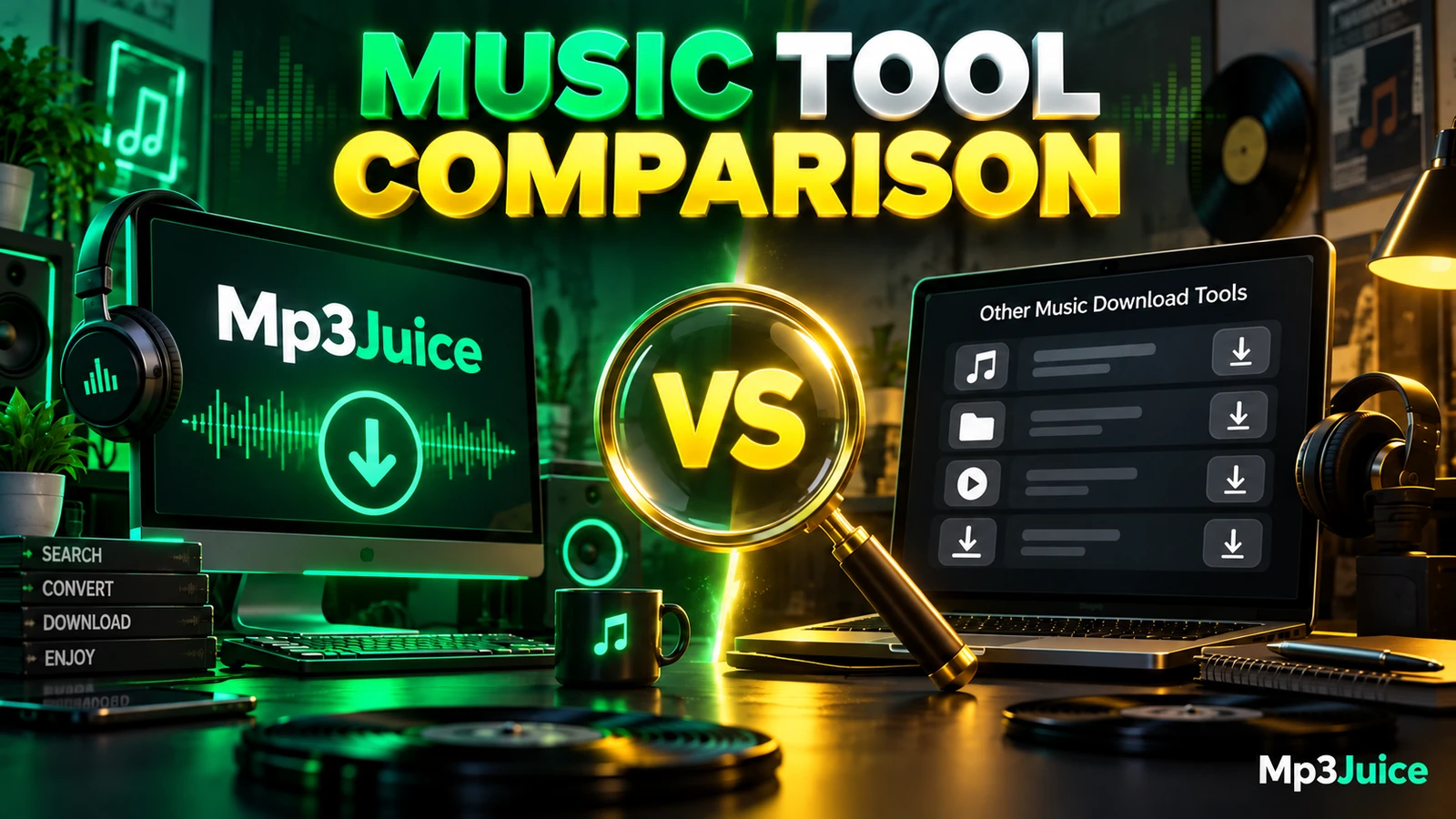
To compare Mp3Juice with another music download tool, use the same permitted recording in each service and judge the same practical points: accepted inputs, real download controls, format options, whether an account is required, and how easily the flow works on a mobile browser. This avoids unreliable rankings, speed claims, or assumptions based only on a download button.
A fair comparison starts with a recording you are allowed to download. Public access or a no-cost stream is not the same as permission to copy. Rights can differ between the composition and the sound recording, and local exceptions or licences may matter. If the legal status is unclear, treat the comparison as a usability review only and do not keep or redistribute files you are not permitted to download.
Use the Same Permitted Recording
Pick one recording and use it consistently across all tools. A fictional example for note-taking could be “Sunset Drive” by Imaginary Duo. The point is not that this is a chart entry or a known release. It is simply a placeholder that lets you compare each tool under the same conditions.
On the Mp3Juice homepage, the search field accepts a song title, an artist name, or an individual YouTube URL. The form action is labeled Download. A Paste button can request browser clipboard access, and manual paste still works if that permission is not available. After navigating to results, the search field is empty again, so keep your comparison query copied somewhere safe if you plan to repeat it.
For the other tool, enter the same title and artist, or the same individual URL if the tool requires a link. Do not compare a title search in one service with a different source URL in another and then draw conclusions about quality or availability. If a tool only accepts URLs, note that as an input limitation rather than a failure.
Separate Real Controls from Promotions
The most important comparison point is whether you can identify the service’s actual format and download controls. On Mp3Juice results, entries have recording titles. A Play button may appear as a preview when available. The result’s Download control opens MP3 and MP4 options for that selected recording. Choosing Download MP3 opens a third-party converter embedded below the selected item.
Do not treat every large button as the service’s download path. On Mp3Juice, Download Now is a promotional outbound link, not the site’s format-selection control. It should not be followed as if it were the music download. This distinction is useful when comparing any music tool because advertising and real controls can appear close together.
For a side-by-side review, record only what you can observe clearly. Useful notes include: where the first real result appears, whether the preview is separate from the download option, whether the MP3 or MP4 choice is attached to the selected recording, and whether advertisements make the intended control hard to identify. Avoid converting this into a safety certification or a universal trust score. The goal is a practical interface comparison.
Compare Format Outcome, Not File Name Alone
Format comparison should focus on the completed local file, not only the label on the page. Mp3Juice presents MP3 and MP4 options after a selected result is opened, but third-party availability can vary. The presence of an option is not the same as a completed download. Download completion happens through the browser and filesystem, such as when the browser shows the transfer and the file is saved locally.
A complete local audio file is different from a streaming page, a playlist entry, a cloud placeholder, or a link that only opens another page. An .mp3 filename extension by itself does not prove that the file is complete, safe, high quality, or even correctly encoded. Open the saved file in a normal media player and listen briefly for obvious problems such as silence, abrupt cutoffs, or unrelated audio.
For any tool, distinguish an advertised bitrate from a selectable output setting and the properties of the completed file. Mp3Juice does not promise a specific bitrate for every result. For general background on bitrate, file size, and why re-encoding cannot restore lost audio information, see Mp3Juice MP3 Formats Bitrate and File Size Explained.
Check Account Need and Payment Prompts
For the Mp3Juice homepage search form, no account or payment is required to enter a query. That is a useful comparison item because some other tools may ask for registration before search, before conversion, after a certain number of attempts, or before a higher-quality option. Note exactly when the prompt appears.
A clean comparison does not need private claims about retention, encryption, identity checks, or security scanning. Instead, record the visible account requirement: none at search, account before results, account before download, or payment prompt before completion. If a tool says an account unlocks additional quality or bulk features, do not assume those features work unless you separately verify them within that tool.
Mp3Juice should also not be compared as though it includes playlist or batch downloading, an installer, or a native app. The relevant comparison here is browser-based use of a single permitted recording. If you need a broader checklist for other services, see Best Mp3Juice Alternatives and What to Compare.
Test Mobile Usability Carefully
Mobile usability matters because many people search, preview, and save files from a phone browser. On Mp3Juice, compare whether the search field is easy to use, whether manual paste works when clipboard permission is unavailable, whether the selected result remains understandable on a small screen, and whether the real Download control can be distinguished from promotional buttons.
Keep the mobile test modest and observable. Do not claim that one tool is universally faster or safer based on a single session. Instead, note issues such as controls placed too close together, pop-ups that obscure the result, pages that shift while tapping, or a download that never appears in the browser’s transfer list.
Downloaded files are handled by the browser and operating system. On iPhone, downloads may be found through Files, Browse, Downloads, depending on the configured destination, and Safari can show download status through its download control. On Android, Chrome includes a Downloads area in its menu. Chrome download history can show completed transfers, but removing history does not delete the saved file. Downloaded MP3 files are not automatically imported into Apple Music.
Compact Comparison Table
| Criteria | Mp3Juice | Other tool being reviewed |
|---|---|---|
| Starting input | Song title, artist name, or individual YouTube URL | Record whether it accepts text, URL, or only one input type |
| Paste support | Paste button can use browser clipboard access; manual paste works if permission is unavailable | Record whether paste is manual, button-based, blocked, or unclear |
| Result identification | Results show recording titles; Play is a preview when available | Record whether titles, previews, and source clues are clear |
| Real download control | Download opens MP3 and MP4 options for the selected result | Record the actual control, not advertisements or unrelated buttons |
| Promotional controls | Download Now is a promotional outbound link, not the format-selection control | Record whether ads are clearly separated from download actions |
| Format choice | MP3 or MP4 options may appear through the selected result flow | Record available formats without assuming quality from the label |
| Account required for homepage search | No account or payment required for the search form | Record when any sign-in or payment prompt appears |
| Completion check | Confirmed only when the browser saves a playable local file | Use the same standard for the other tool |
This table deliberately avoids speed scores, success percentages, or quality rankings. Those numbers are often misleading unless they come from repeated controlled measurement, and they can change when third-party converters, browsers, networks, or source availability change.
Same-Domain Pages Are Not Competitors
When comparing Mp3Juice with other music download tools, do not treat same-domain service pages as independent businesses. Pages such as MP3 Downloader and YouTube to MP3 are supporting service landing pages on the same site. They can be useful for understanding related entry points, but they are not independent competitors for a market comparison.
The same caution applies when reading labels on broad service pages. A landing page may describe a use case, while the actual comparison still depends on what happens when you submit the same permitted recording, select a result, avoid promotional links, and confirm whether a local file is saved.
Permission and Safety Checks
A result does not establish ownership, copyright permission, or safety. Protected works generally require permission unless a national exception or licence applies. Platform terms can also matter separately from copyright rules. For example, some platforms restrict downloading except through service-authorized features or with specified permission. For general site information, see Copyright.
Treat dangerous download warnings as stop signals. Keep browser protection enabled, and do not try to bypass technical controls, logins, DRM, or regional restrictions. If a page looks suspicious, close it with the browser’s tab or window controls rather than clicking a fake close button inside the page. Ads, embedded services, and analytics may be present, so consult the Privacy Policy for the site’s stated practices.
The best side-by-side method is simple: use the same permitted recording, identify the real controls, confirm the actual saved file, and record only what you observe. For a more task-focused walkthrough of the Mp3Juice flow, see Mp3Juice Music Downloader Guide for Quick Audio Access.