Mp3Juice MP3 Formats Bitrate and File Size Explained
At a glance
MP3 size is mainly bitrate multiplied by duration: MB ≈ kbps × seconds ÷ 8000 for constant bitrate files. Mp3Juice can show MP3 and MP4 options, but it does not guarantee a bitrate selector or 320 kbps output.
In this guide
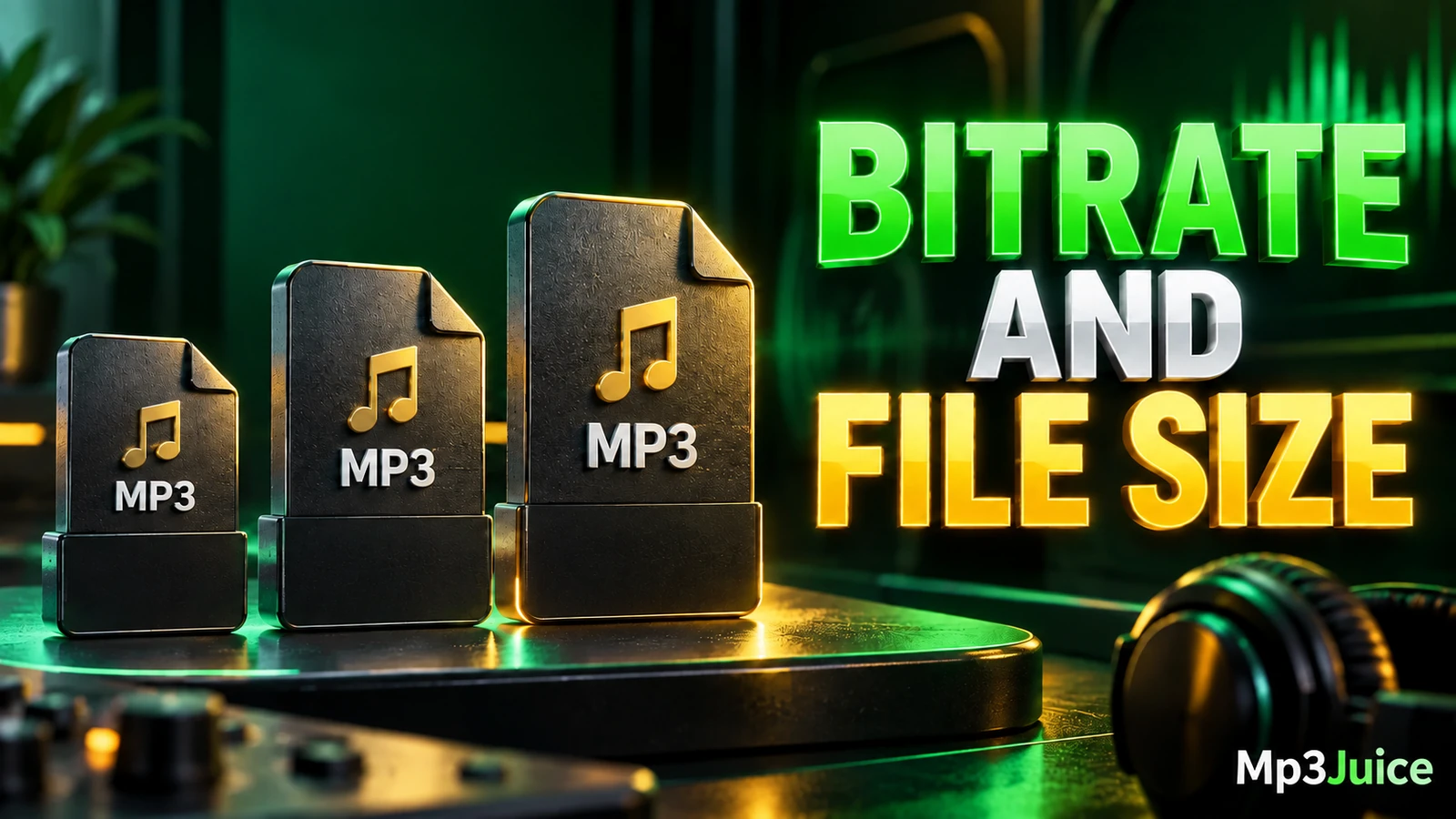
MP3 file size on Mp3Juice is estimated from bitrate and duration, not from the search result title alone. For constant bitrate audio, use this decimal estimate: MB = kbps × seconds ÷ 8000. A four-minute MP3 is about 3.84 MB at 128 kbps, 5.76 MB at 192 kbps, and 9.60 MB at 320 kbps, before small metadata differences.
This guide explains the units behind those numbers, why variable bitrate files do not always match a simple calculation, and how MP3 differs from MP4 when you see format options after choosing a result. It does not claim that Mp3Juice offers a bitrate selector, fixed 320 kbps output, or identical results for every recording. For listening-focused comparisons, use the Mp3Juice Audio Quality Guide for 320kbps and More.
MP3 Bitrate and File Size Basics
Bitrate is the amount of audio data used per second. In MP3 files it is usually shown in kbps, meaning kilobits per second. A 128 kbps MP3 uses less data each second than a 192 kbps or 320 kbps MP3, so it normally produces a smaller file for the same song length.
Higher bitrate can preserve more detail than a lower bitrate when the source and encoder are suitable, but bitrate is not the same thing as quality. A poor source converted to a high bitrate does not become a clean master recording. MP3 is a lossy format, which means some audio information is removed during compression. Re-encoding an already compressed file cannot restore information that was removed earlier.
Bitrate is also different from sample rate and bit depth. Sample rate describes how often audio is sampled per second, and bit depth describes resolution per sample in formats that use that concept directly. Those terms matter in audio production, but for everyday MP3 storage estimates, bitrate and duration are the main numbers.
How to Estimate MP3 File Size
For constant bitrate, often called CBR, the practical decimal formula is:
File size in MB ≈ bitrate in kbps × duration in seconds ÷ 8000
The division by 8000 converts kilobits into decimal megabytes. This estimate excludes metadata such as tags, embedded artwork, and small container overhead. Those extras can shift the final number slightly, especially when album art is large, but they do not change the basic relationship between duration, bitrate, and size.
| Bitrate | Duration | Calculation | Estimated size |
|---|---|---|---|
| 128 kbps | 240 seconds | 128 × 240 ÷ 8000 | 3.84 MB |
| 192 kbps | 240 seconds | 192 × 240 ÷ 8000 | 5.76 MB |
| 320 kbps | 240 seconds | 320 × 240 ÷ 8000 | 9.60 MB |
For example, if the fictional track Sunrise Drive by DJ Example is four minutes long and encoded at 192 kbps, its estimated size is 5.76 MB before metadata. If another fictional track is only two minutes long at the same bitrate, the estimate is half as large because the duration is half as long.
Why Variable Bitrate Files Vary
Some MP3 files use variable bitrate, or VBR. Instead of using the same bitrate for every second, VBR changes the amount of data according to the audio content. A simple passage may use less data, while a dense or complex passage may use more.
With VBR, the formula still helps if you know the average bitrate, but it becomes an approximation rather than a precise prediction. Two recordings of the same length may have different sizes because the encoder treated their content differently. A quiet acoustic song and a dense electronic track can end up with different file sizes even if both are reported with similar average settings.
When checking a finished file, look at the properties shown by your operating system or music player. Some players display an average bitrate for VBR files, while others show changing values during playback. Either way, the file’s actual size on disk is the final storage number to rely on.
MP3 Audio Compared with MP4 Containers
After a result is selected on Mp3Juice, the result’s Download control opens MP3 and MP4 options. The Download MP3 option opens a third-party converter embedded below the selected recording. Availability can vary, and completion is confirmed by your browser or file system when a file is actually saved, not merely by seeing an option on the page.
MP3 is an audio format. It is commonly used for music files because it stores audio only and is widely supported. MP4 is different: it is a container, often used for video with audio. An MP4 may contain a video stream, an audio stream, subtitles, or other data depending on how it was created.
Because MP4 often includes video, an MP4 download for the same recording is frequently larger than an audio-only MP3. However, it is not accurate to say that every MP4 is always bigger or that every MP3 with the same extension is identical. Size depends on the streams inside the file, the encoding settings, and the length of the recording.
If your goal is to save storage space for listening only, MP3 is usually the relevant format to consider. If you need video, an MP4 container may be appropriate, but you should expect storage needs to depend on the video resolution and encoding as well as the audio.
Why You Should Not Assume a Bitrate Selector
Mp3Juice accepts a song title, artist name, or individual YouTube URL on the homepage, and the homepage search does not require an account. Search results show recording titles, and Play can provide a preview when available. Those search and preview features do not establish the bitrate of a saved file.
Mp3Juice does not guarantee a selectable MP3 bitrate or fixed 320 kbps output. The file you obtain can depend on the source recording, the embedded third-party converter, and what is available at the time. If you see a promotional Download Now link, do not treat it as the site’s format-selection control. Use the recording’s own Download control for MP3 or MP4 choices, and avoid following advertisements as if they were music downloads.
This distinction matters because a label such as 320 kbps can be misleading when it is not tied to a confirmed saved file. A large number on a page does not prove the final file’s encoding, and a file extension alone cannot prove completeness or quality.
Practical Storage and Data Planning
The same formula works for rough storage planning. Suppose you want to save ten fictional four-minute songs. At 128 kbps, the estimate is 10 × 3.84 MB, or 38.4 MB. At 192 kbps, it is 57.6 MB. At 320 kbps, it is 96 MB. These are planning numbers, not promises about what any specific download will provide.
For a larger collection, multiply the average file size by the number of tracks. One hundred four-minute MP3 files at 192 kbps would be about 576 MB before metadata. If the files are VBR, have embedded artwork, or vary widely in length, the total will differ. Still, the calculation gives a quick way to estimate whether a group of files will fit on a phone, memory card, or limited data plan.
A complete local audio file is different from a streaming page, a playlist entry, a cloud placeholder, or a copied link. Before reorganizing a library, confirm that the files play locally and copy important files before editing tags or moving folders. For library cleanup ideas, see How to Organize Mp3Juice Downloads and Music Files. If mobile data is your main concern, see How to Use Less Mobile Data with Mp3Juice.
File Extensions, Completeness, and Safety Checks
A filename ending in .mp3 does not by itself prove that the file is a valid MP3, complete, high quality, or safe. It may be incomplete after an interrupted transfer, mislabeled, or encoded from a poor source. Play the file from start to finish if it matters, and check its properties in your player or file manager.
Listening can reveal obvious problems such as cutoffs, distortion, silence, or the wrong recording. It cannot certify bit-perfect quality or prove the history of the source. If a browser or security tool shows a dangerous download warning, treat that as a stop signal and keep protection enabled.
Permission also matters. Publicly accessible or no-cost material is not automatically permission to copy it, and different rights may apply to a composition and a sound recording. For site policy pages, see Privacy Policy and Copyright. For audio-only service context, you can also visit MP3 Downloader and YouTube to MP3.
Quick Answers About Bitrate and Size
Can Mp3Juice guarantee 320 kbps MP3 files?
No. Mp3Juice does not guarantee a bitrate selector or 320 kbps output. Check the saved file’s properties after download if bitrate matters to you.
Is a smaller MP3 always worse?
No. A smaller file may be shorter, use VBR efficiently, have less metadata, or use a lower bitrate. Size alone is a clue, not proof of quality.
Why is an MP4 often larger than an MP3?
An MP4 often contains video as well as audio, so it commonly needs more space. The exact size still depends on the specific video, audio, duration, and encoding.