Mp3Juice Audio Quality Guide for 320kbps and More
At a glance
Mp3Juice does not guarantee a 320 kbps MP3 option. Bitrate describes encoding density, not source quality, and lossy MP3 cannot restore missing detail. Use previews, matched-volume listening, file completion checks and permission awareness before relying on any downloaded audio.
In this guide
- What 320 kbps Means in an MP3 File
- Why Bitrate Is Not Proof of Source Quality
- What Mp3Juice Download Options Can and Cannot Tell You
- How to Judge Sound Quality by Listening
- Other Audio Properties Behind More Than 320 kbps Claims
- Practical Quality Checklist Before Keeping a File
- FAQ: 320 kbps and Mp3Juice Audio Quality
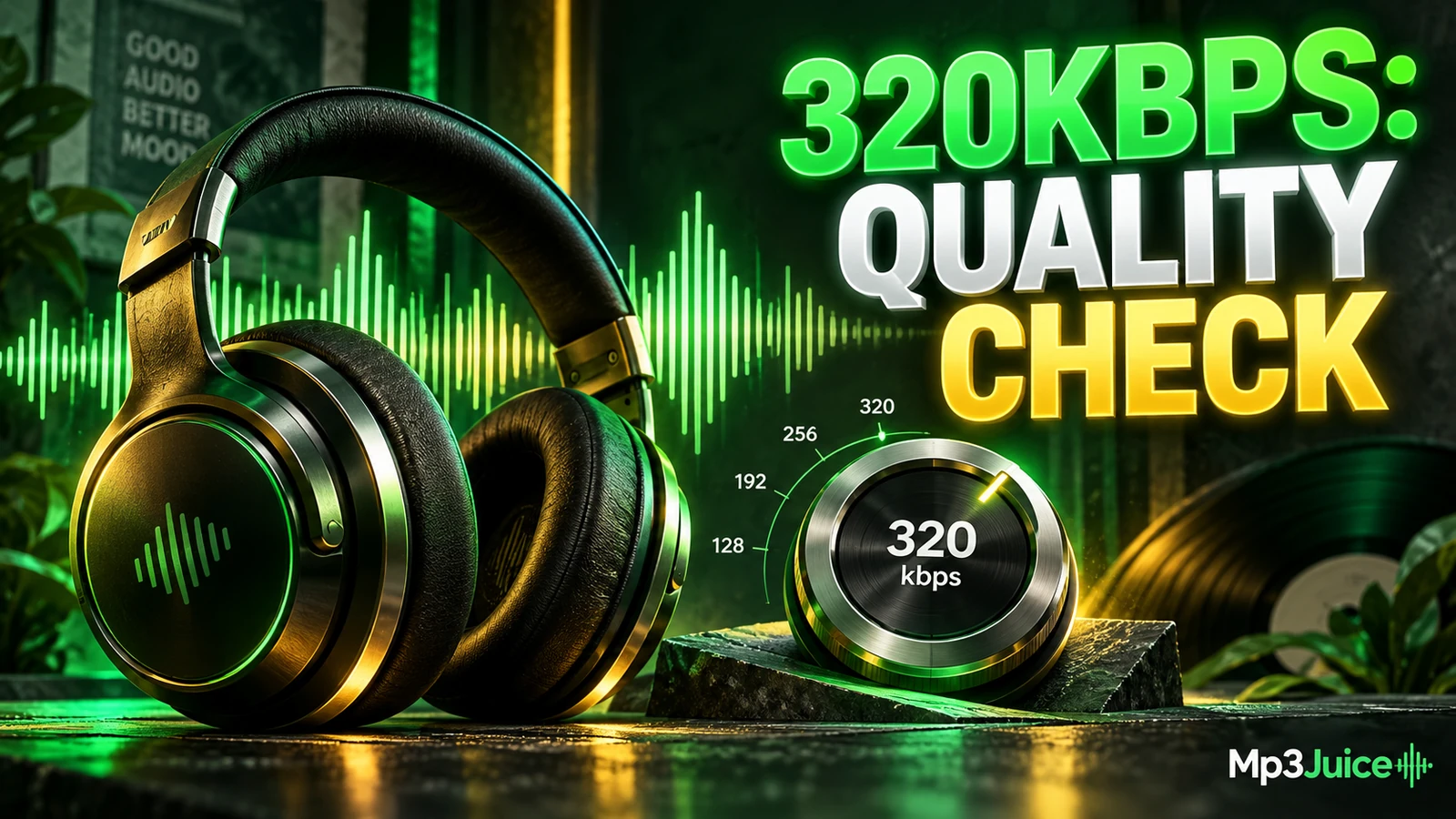
Mp3Juice does not provide a confirmed 320 kbps selector or a guaranteed 320 kbps MP3 output. A 320 kbps label, when you see one in an audio file or player, describes encoding bitrate, not proof that the original recording was high quality. MP3 is lossy, so converting a weak source into a higher bitrate file cannot restore detail that was already removed.
That distinction matters when you search from the Mp3Juice homepage. The search form accepts a song title, artist name, or individual YouTube URL, and the homepage search does not require an account. Results may make it easy to find a recording quickly, but judging quality still requires common sense: check the source, preview when possible, and listen for artifacts rather than trusting a file extension or number alone.
What 320 kbps Means in an MP3 File
In an MP3 context, 320 kbps means the file is encoded at about 320 kilobits per second. With constant bitrate MP3, that usually produces a larger file than 128 kbps or 192 kbps because more data is allocated for each second of audio. More data can help preserve detail, especially in complex music with cymbals, reverb, dense guitars, layered vocals, or sharp transients.
Bitrate is not the same as sample rate or bit depth. It also does not tell you whether the source was a studio master, a clean upload, a clipped live recording, or a file that was already compressed before being converted again. A 320 kbps MP3 made from a clean source can sound very good. A 320 kbps MP3 made from a muffled, distorted, or low-bitrate source will preserve those defects in a bigger file.
For constant bitrate audio, approximate decimal file size can be estimated as kbps * seconds / 8000, excluding metadata. These are examples, not promises about any specific Mp3Juice result.
| Bitrate | Approximate size | What it may suggest |
|---|---|---|
| 128 kbps | 3.84 MB | Smaller file, more likely to show artifacts in busy music |
| 192 kbps | 5.76 MB | Middle ground for casual listening and storage savings |
| 320 kbps | 9.60 MB | Higher MP3 data rate, but still limited by the source |
For a deeper size-focused explanation, see Mp3Juice MP3 Formats Bitrate and File Size Explained.
Why Bitrate Is Not Proof of Source Quality
The most common mistake is treating bitrate as a quality certificate. It is not. Bitrate reports how the audio is encoded, while source quality describes what was available before encoding. If a song was captured from a noisy upload, a clipped broadcast, a low-quality stream, or a file that had already lost high-frequency detail, a later 320 kbps encode cannot rebuild the missing information.
Think of it like saving a small, blurry image into a larger file. The file may become bigger, but the original sharpness does not come back. MP3 works differently from images, but the practical lesson is similar: re-encoding a damaged or low-detail source at a higher setting does not make it a clean master.
This also applies when an individual YouTube URL is used through a conversion path such as YouTube to MP3. Online video audio is already encoded for streaming, and the accessible audio track may not contain the same detail as a lossless source. A resulting MP3 can still be useful for personal listening where permitted, but its bitrate should not be read as proof of original fidelity.
What Mp3Juice Download Options Can and Cannot Tell You
On Mp3Juice, results show recording titles, and Play may provide a preview when available. The result's Download control opens MP3 and MP4 options. Choosing Download MP3 opens a third-party converter embedded below the selected recording. Availability can vary because the conversion step depends on third-party services and accessible sources.
There is no confirmed bitrate selector on the site and no guaranteed 320 kbps output for every MP3 option. The presence of an MP3 option also does not mean the download has completed. Completion is a browser and filesystem event: the file must actually finish saving on your device.
Be careful with similar-looking buttons. Download Now is a promotional outbound link, not the site's format-selection control. Do not follow an advertisement as if it were the music download. If a preview sounds distorted, clipped, incomplete, or different from the title you expected, treat that as useful evidence before saving or organizing the file.
Mp3Juice also links to related service pages such as MP3 Downloader, but those pages should not be taken as promises that every result includes a particular bitrate, source, or quality level.
How to Judge Sound Quality by Listening
A listening check is often more useful than reading a filename. It cannot certify that a file is bit-perfect or studio-grade, but it can reveal many practical problems. The key is to compare at matched volume, because louder audio often seems better even when it is not.
Use short, repeatable sections of a track. Choruses, cymbal hits, dense instrumental passages, bass drops, and quiet intros are good places to notice encoding problems. Listen for watery treble, harsh vocals, pumping background noise, smeared drums, sudden dropouts, or a stereo image that collapses in busy moments.
Consider this fictional example, not chart evidence: three files named Jasper Lane - Night Resonance are each four minutes long. The 128 kbps copy is about 3.84 MB and has fuzzy cymbals. The 192 kbps copy is about 5.76 MB and sounds acceptable except in crowded sections. The 320 kbps copy is about 9.60 MB and has fewer obvious artifacts, but only if the source was clean enough to benefit from that bitrate.
When comparing versions, avoid changing equalizer settings between takes. Do not judge quality from a phone speaker alone if the issue is subtle. Headphones or a familiar stereo make problems easier to hear. If two versions sound the same at matched loudness, the larger file may not be worth the storage space for that particular use.
Other Audio Properties Behind More Than 320 kbps Claims
The phrase more than 320 kbps can be misleading in an MP3 discussion. Standard MP3 use commonly tops out at 320 kbps for constant bitrate encoding. Other formats and containers may use different audio codecs or settings, but that does not mean a normal MP3 download from Mp3Juice is available above 320 kbps.
Other properties can affect what you hear. Sample rate, channel mode, the original mix, mastering choices, loudness processing, source noise, and previous encodes all matter. A well-produced 192 kbps file from a clean source may be more pleasant than a 320 kbps file made from a harsh, clipped upload.
MP4 is a container often used for video with audio, and Mp3Juice results may present MP4 options through the Download control. MP4 is not automatically larger, smaller, better, or worse than MP3. It depends on the video, audio codec, resolution, duration, and conversion source. Choose MP3 when you need a local audio file for compatible music playback, and choose MP4 only when the video container is actually what you intend to save.
Practical Quality Checklist Before Keeping a File
- Confirm it is a complete local file. A streaming page, cloud placeholder, playlist entry, or link is not the same as a finished audio download.
- Do not trust the extension alone. An
.mp3filename does not prove the file is complete, high quality, correctly encoded, or safe. - Preview when available. Use Play to check whether the result appears to match the title and recording you wanted.
- Watch for misleading controls. Use the relevant MP3 or MP4 option opened from the result's Download control, not promotional buttons.
- Compare at the same volume. Level-matched listening prevents loudness from biasing your quality judgment.
- Keep originals before editing tags or moving a library. If you plan to rename, retag, or reorganize files, copy first so a mistake does not remove your only usable version.
- Respect permission limits. Public access or no-cost access is not a universal right to copy. Protected music may involve separate rights in the composition and sound recording.
If a saved file is silent, cut short, mislabeled, or will not open, use How to Fix Mp3Juice Download Errors and Broken MP3 Files. If your goal is storage and playback after saving, How to Prepare Mp3Juice Music for Offline Listening covers organization without turning bitrate into a quality guarantee.
FAQ: 320 kbps and Mp3Juice Audio Quality
Does Download MP3 always give 320 kbps?
No. Mp3Juice does not provide a confirmed selectable bitrate control, and a 320 kbps MP3 output is not guaranteed. The result depends on the available source and the third-party converter.
Can file size prove audio quality?
No. File size can suggest bitrate for constant bitrate files, but it cannot prove the source was clean. A large file can still contain distorted, incomplete, or previously compressed audio.
Is 320 kbps always worth choosing?
Not always. It is most useful when the source is good enough to benefit from it. For low-quality sources, spoken content, or storage-limited devices, a smaller file may be more practical.
Does a search result prove I have permission to download?
No. A result does not establish copyright permission. Rules vary by country, licence, platform terms, and possible exceptions, so uncertain uses need local qualified advice.