Correct a Beat Grid in Mixxx 2.5
At a glance
Mixxx 2.5 users can correct beat grids by distinguishing between a constant offset and BPM inaccuracies. Inspect multiple track sections to identify issues. Use Beat-grid Adjust for consistent timing offsets or manually adjust BPM for drift problems. Verify corrections at different track points, focusing on steady-tempo tracks.
In this guide
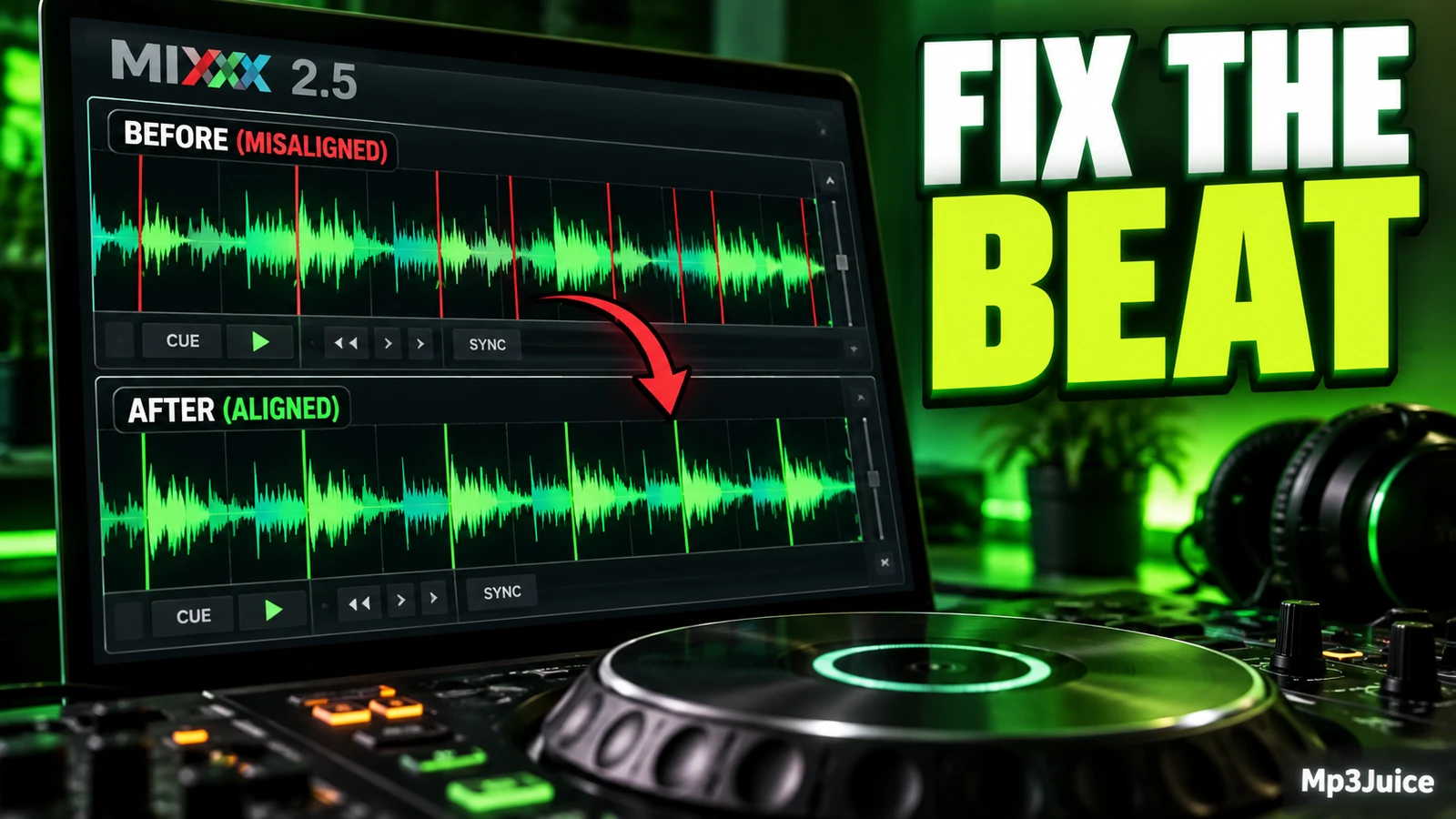
To correct a beat grid in Mixxx 2.5, first separate two problems that can look alike: a grid that is shifted by a constant amount, and a grid based on an inaccurate BPM. If the BPM is right but every marker is equally early or late, cue the track before a true beat and use Beat-grid Adjust in the Deck Options Button Grid. If the markers line up at first but drift later, check the BPM before moving the grid.
Shifted grid or wrong tempo?
A useful repair starts with one question: are the beat markers consistently offset, or are they gradually drifting? Those problems need different fixes. Do not decide from one bar only. A single busy section can hide the real pattern.
A shifted grid means the distance between markers is basically right, but the whole grid is late or early. Imagine a steady 4/4 loop: kick on 1, clap on 2, kick on 3, clap on 4, repeating without tempo changes. If each marker appears the same small distance before every kick and clap, the grid likely needs an offset correction.
A wrong tempo means the marker spacing is slightly too short or too long. The first few bars may look fine, then the markers slowly move away from the kick, clap, or other clear beat. Shifting the whole grid in that case can fix one spot while making another worse.
Mixxx analysis is designed to find BPM and beats automatically, but a grid can still need correction. The practical warning is simple: small BPM errors become more obvious over longer tracks, so verify more than the intro.
Use a low-risk test track
Before repeated edits, work on one low-risk track. This keeps the task focused and helps you learn what the correction changes. You do not need to reorganize your library or change your file naming just to inspect a beat grid.
A practical preparation routine is:
- Choose one track with a steady, obvious beat, not a live recording with changing tempo.
- If you want to experiment freely, make a temporary copy of that file.
- Add or locate the track in Mixxx 2.5.
- Load it to a deck and inspect the waveform in more than one part of the track.
- Write down the detected BPM before changing anything.
If you are still organizing music before this step, see Add Your Music Files to Mixxx 2.5. If you only need to audition candidates, Preview Tracks Before Loading Mixxx Decks can help you choose a suitable test track without interrupting your deck setup.
Read the waveform before editing
Do a read-only inspection before touching controls. The goal is not to make the waveform look tidy. The goal is to decide whether the grid agrees with the music at the beginning, middle, and later parts of the same steady-tempo track.
Use a clear repeating rhythm as your reference. Kicks are often easy to see, but another consistent transient can work if it truly represents the beat. Avoid judging from a vocal syllable, loose percussion fill, or reverb tail. Those may be musical, but they are not always exact beat anchors.
Check these three points:
- Near the first clean beat: Find a section after any silence, pickup, or intro effect where the rhythm is established.
- After a minute or two: Look for the same kind of beat event and compare marker placement.
- Late in the track: Inspect another steady section, especially in a longer club mix.
Record what you see in plain language. For example: markers are always a little early, markers start on the kick but are late by the second drop, or the track itself speeds up. That note prevents random corrections.
Fix a consistent offset
When the detected BPM is right but the first beat location is wrong, use the documented Mixxx 2.5 adjustment. Cue the track before a real beat, then click Beat-grid Adjust in the Deck Options Button Grid. This realigns the beat grid using the beat position you identified.
The important detail is choosing the reference beat. Do not use an unclear sound, a pickup before the downbeat, or a syncopated percussion hit unless you are certain it marks the beat you want. A clean downbeat with a kick is often easier than a busy bar with claps, hats, and effects layered together.
Example: Suppose a test track called Night Steps Test Copy has a steady 128 BPM loop: kick, clap, kick, clap, with closed hats between them. In Mixxx 2.5, the detected BPM is close to 128, and the spacing between markers stays consistent across the track. However, every marker lands slightly before the visible kick transient. You cue just before a real kick that starts a clean bar, use Beat-grid Adjust, then inspect the same pattern later. Because the offset was consistent, the later markers should now be closer too.
After an offset correction, do not stop at the first beat. Inspect at least one later section. If the start looks fixed but later sections drift, the track may also have a BPM issue.
Fix BPM drift
If the grid drifts, shifting it is not the right first move. The distance between beat markers is slightly wrong, so you need to review the BPM value. A grid can look convincing for a short section and still fail across a longer track.
For many fixed-tempo electronic tracks, a detected BPM very close to a whole number is worth checking. If Mixxx reports a value near an integer, try setting the BPM manually to that integer, then inspect the grid again. For finer changes, Mixxx provides beatgrid controls near the waveform displays of each deck in the main interface.
Use this sequence:
- Find a clean early section and note whether the marker is on the beat.
- Find a clean later section and note whether the marker has moved ahead or behind.
- If the detected BPM is close to a whole number, try the whole-number BPM as a practical test.
- Recheck early, middle, and late sections.
- If the track still drifts, avoid forcing a simple fixed grid onto music that may not have a constant tempo.
This article does not solve all variable-tempo recordings. Some live performances, older recordings, edits, and intentionally unstable arrangements may not fit one constant BPM grid. Treat those as a different problem from repairing a steady track whose analysis was slightly off.
Use beat detection preferences with purpose
Mixxx 2.5 beat detection preferences can affect analysis results, so change them deliberately. Fast Analysis uses only the first minute for BPM detection. That may be reasonable for a steady track whose first minute represents the whole arrangement, but it is less useful when the opening is unusual.
Assume constant tempo matches music where beat spacing stays constant. If it is disabled, Mixxx presents the analyzer’s raw beat grid, which is more relevant to variable-tempo material. Enable Offset Correction is meant to prevent misplaced beat markers. The re-analysis option can overwrite older grids and re-analyze BPM when relevant settings or existing data call for it.
Use this decision table while inspecting:
| What you see | Likely issue | First action |
|---|---|---|
| Markers are equally late or early throughout | Shifted grid | Use Beat-grid Adjust at a real beat |
| Markers start close but drift later | BPM not accurate enough | Review and correct BPM before shifting |
| Detected BPM is very close to a whole number | Possible simple BPM correction | Try the integer BPM and verify |
| Beat spacing changes in the music | Variable-tempo material | Do not assume one fixed grid will solve it |
Verify before repeating the workflow
Once the grid appears corrected, verify it as you would use it. Check the intro, a main section, and a later phrase. If you rely on loops, inspect whether a short loop starts and returns on the expected beat. If you rely on sync, make sure the grid is not merely aligned in one isolated bar.
Keep the verification modest and repeatable:
- Test one copied file or one low-risk track first.
- Correct only the specific problem you identified: offset or BPM.
- Check at least three positions in the track.
- Record the original BPM, the changed BPM if any, and what happened to early and late markers.
- Only then repeat the same reasoning on similar steady-tempo tracks.
Your next action is simple: load one steady track in Mixxx 2.5, inspect whether the markers drift or stay consistently shifted, and make only the correction that matches what you actually see.
If you want another recording to practise grid correction, search by song and artist on Mp3Juice. Start with a permitted local copy whose rhythm you can follow clearly.