Review Song Key Analysis in Mixxx 2.5
At a glance
Mixxx 2.5's song key analysis is a preparatory tool for identifying musically compatible tracks, but not a guarantee of smooth blends. Users should verify transitions by auditioning the actual overlapping sections and consider settings like Fast Analysis and key notation carefully. Consistent notation and selective re-analysis improve workflow efficiency.
In this guide
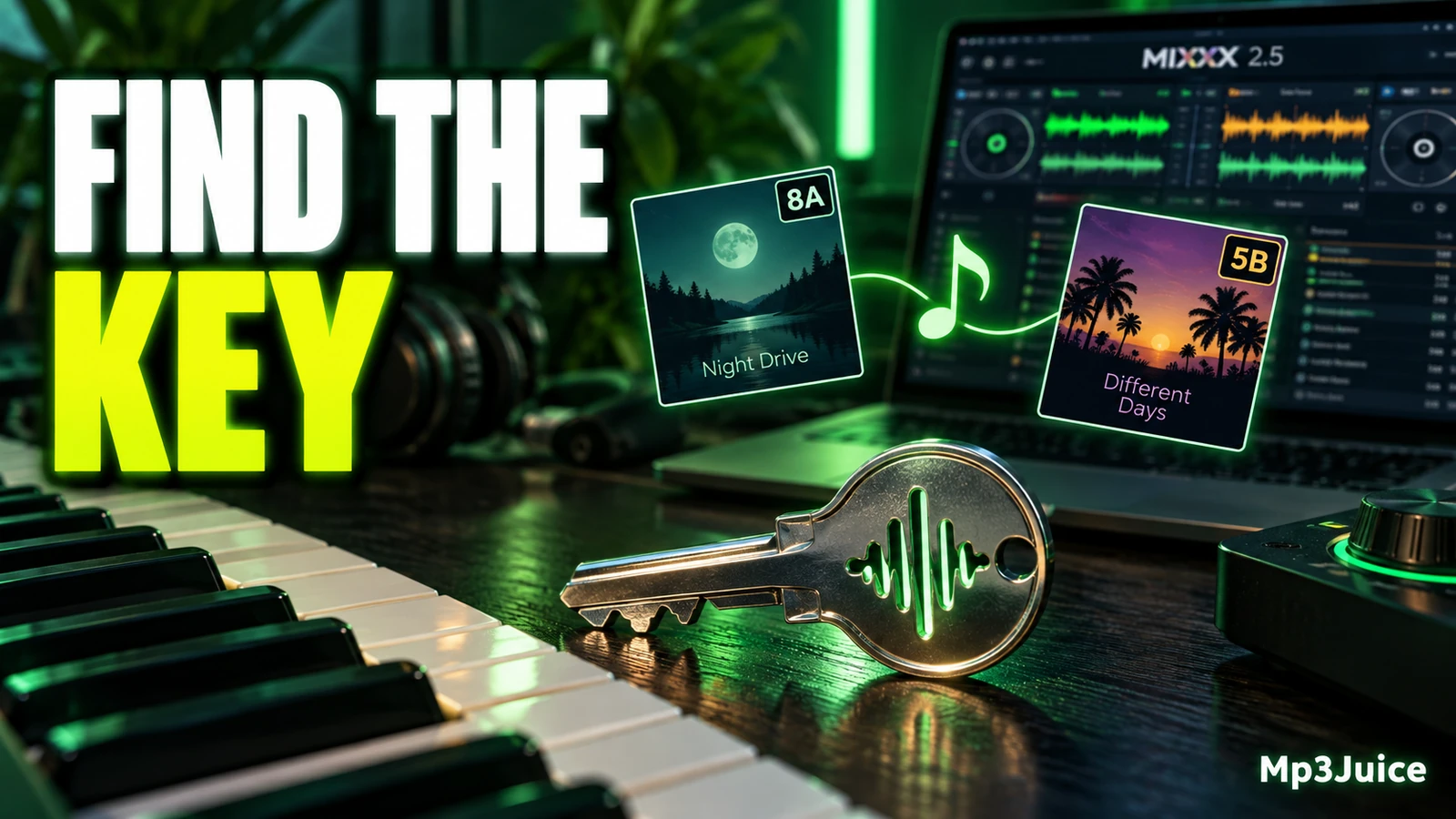
In Mixxx 2.5, song key analysis should be treated as a preparation aid, not as proof that two tracks will sound right together. A key value in the library can help you narrow a crate and choose tracks worth auditioning, but it cannot hear the exact blend you plan to perform. Always check the overlap itself, especially when vocals, breakdowns, bass notes, pads, or melodic hooks are exposed.
What key analysis does
Mixxx includes musical key detection to help identify tracks that may be musically compatible. Key detection can take time, depending on the computer, bitrate, and track length. By default, Mixxx analyzes the complete track. Its key detection preferences include Fast Analysis, re-analysis behavior for changed or outdated key data, and a Key Notation option that changes how keys are shown in the library.
The important word for practical DJ use is may. A track can change key, contain ambiguous harmony, use samples tuned between notes, or begin with a section that does not represent the main musical material. A key label also cannot judge arrangement, energy, lyric overlap, groove, or whether two basslines fight each other. Mixxx gives you a useful clue, but the final decision should come from auditioning the actual part you intend to mix.
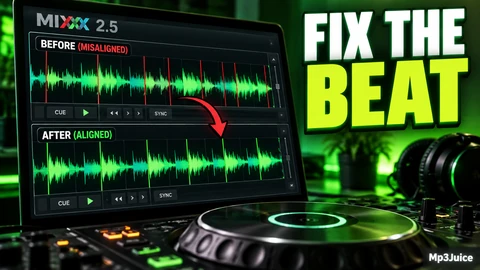
Use key analysis as one layer of review alongside BPM, beat grid confidence, phrasing, genre, mood, and your own notes. If timing is also part of your preparation, see Correct a Beat Grid in Mixxx 2.5, because a transition can still feel wrong if the phrasing or grid is not suitable, even when the displayed keys look promising.
Settings to review
Before changing key detection settings, decide what problem you are trying to solve. If your tracks already have key values and your only issue is how those values appear, review the notation choice first. If your library contains older key data or key data created outside Mixxx, think carefully before enabling behavior that causes tracks to be re-analyzed. If your computer is slow and you are preparing many files, Fast Analysis may be tempting, but it changes what audio is used for the estimate.
A cautious review process is useful for large libraries. Instead of changing settings and immediately applying them to every track you own, make a small working set with representative examples: short edits, long club mixes, vocal songs, quiet intros, percussion-heavy openings, and tracks with obvious melodic sections. Review the results on that smaller group before deciding how to handle the rest of the library.
Keep a simple record of what you changed. Write down the date, the notation you selected, whether Fast Analysis was enabled, and whether you intended to re-analyze tracks with older or non-Mixxx key data. This record does not need to be complex. A short note in your preparation document is enough to explain later why one crate may have been analyzed differently from another.
Fast Analysis tradeoffs
Fast Analysis deserves the most thought because it uses only the first minute of audio for key detection. That can be reasonable when the opening minute contains the same harmonic material as the section you plan to mix. It is less reassuring for tracks with DJ-friendly drum intros, ambient openings, spoken samples, filtered builds, or a later drop that introduces the main bassline and chords.
Ask these questions before using it for a group of files:
- Does the first minute contain musical notes? A percussion-only intro may not reveal the key you care about.
- Does the track change after the intro? Some club mixes delay the main progression until after a long build.
- Will you mix during the intro or the main section? If you only blend drums, the exact key may matter less. If you layer melodies, it matters more.
- Is this a temporary crate or your main archive? A speed-focused choice may be acceptable for quick triage, but it may not be the review standard you want for long-term notes.
If you use Fast Analysis, treat the resulting key as provisional when the first minute is not musically representative. For important transitions, listen again near the section you expect the audience to hear. If a song has a long non-melodic opening, compare the label with what you hear later in the track before relying on it for a planned harmonic blend.
Notation that matches your workflow
Key Notation changes how keys are displayed in the Mixxx library. Choose a display that you can read quickly and consistently. The notation setting changes the label you see, not whether a specific transition will work. Do not treat a notation change as a new musical analysis unless you have also deliberately changed analysis behavior.
When choosing notation, think about how you browse under pressure. If you plan sets in advance, the display should match the way you write your notes. If you improvise, the displayed key should be easy to scan beside the other library information you normally use. Consistency matters more than sophistication. Switching notation repeatedly can make old notes, crates, and memory less useful.
It is also worth checking whether the chosen notation is readable in your current library layout. A label that looks clear in a wide column may be harder to use on a smaller screen or crowded layout. The practical test is simple: can you look at a short list of possible tracks and understand the key information without stopping your preparation flow?
A safe review workflow
Use this workflow when reviewing key analysis in Mixxx 2.5 before a gig, stream, radio show, or recorded mix:
- Create a small review set. Pick 20 to 40 tracks that represent the library or crate you actually plan to use.
- Review notation first. Choose the display style that matches how you plan, perform, and write notes.
- Decide whether Fast Analysis is appropriate. Use extra caution with tracks whose first minute is not musically representative.
- Review re-analysis intent. If you want Mixxx-generated key data to replace older or non-Mixxx key data, make that a deliberate choice rather than an accidental library-wide change.
- Build a candidate list. Use the displayed key as a way to reduce the number of tracks you need to audition.
- Audition the transition. Listen to the actual overlap you expect to use, including the outgoing section and the incoming section.
- Record a practical note. If the transition works, write something useful, such as “enter after breakdown,” “avoid vocal overlap,” or “bass clash before drop.”
For fast checking without committing a track to a deck, a preview workflow can be helpful. See Preview Tracks Before Loading Mixxx Decks for a related preparation habit that pairs well with key review.
Example review session
Example: Lina is preparing a 90-minute melodic techno set in Mixxx 2.5. She has a folder of recent purchases and wants to find smooth transitions without spending the whole evening testing every possible pair. She first chooses the key notation she understands fastest, then analyzes a small playlist of 30 tracks.
Several tracks have long kick-and-hat intros, so she does not treat the first minute as enough information for those songs. After key labels appear in the library, she identifies three likely pairings with close tempos and promising key labels. Instead of assuming they will work, she previews the transition points. One pair sounds thin because the outgoing bassline changes under the incoming melody. Another pair works only if she starts the incoming track after its atmospheric intro. The third pair is strong, but the vocal phrase overlaps awkwardly, so she writes a note to delay the mix by 16 bars.
The key analysis helped Lina reduce the search space. It did not choose the final transition for her. Her useful notes came from listening to the actual sections that would be heard by the audience.
Checking results without overtrusting
A good key review habit is to separate library organization from musical judgment. The library key is a label. Your ears decide whether a transition belongs in the set. When a suggested pairing sounds wrong, do not force it just because the keys look compatible. Arrangement conflicts, clashing lead sounds, vocal dissonance, or a dramatic mood shift can make a plausible match feel awkward.
Likewise, do not reject every track with a different-looking key. Short percussive transitions, echo-outs, cuts, loops, and breakdown mixes may work because there is little tonal overlap. Some DJs intentionally create tension before resolving into the next phrase. Key analysis supports these decisions by giving you more information, not by removing judgment.
Before broad changes, test with a limited review set. If your library contains key data created elsewhere, be clear about whether you want Mixxx to replace it. If you use notes in filenames, comments, crates, or external planning documents, keep your notation consistent enough that you can understand your own preparation later.
Your next action: review the Mixxx 2.5 key detection preferences, choose a notation you can read quickly, analyze a small representative set, and audition three candidate transitions before applying the same approach to the rest of your library.
When selecting a second song to compare by ear, you can search its title and artist on Mp3Juice. Let your listening and Mixxx analysis guide the pairing rather than the search result alone.