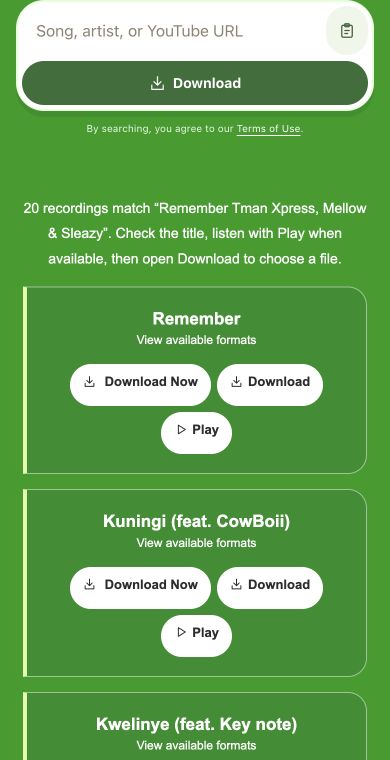
Paste a YouTube URL for a known recording, or enter the title and artist, then choose the right match and open the MP3 download options.
YTMP3 Audio Downloads in Your Browser
Welcome to Mp3JuiceYTMP3, a focused audio service for saving a selected recording when you know what you want. Start with a YouTube URL for an exact performance, or enter the title and artist, review the matching result, and continue to the available MP3 choices.
Popular Music
Songs and artists to put on your next listening list.
Paste a YouTube URL when you want audio from one exact source, such as a live performance, remix, interview, tutorial, or music video. If you do not have the link, enter the artist and title instead. The service accepts a title, an artist, or a YouTube URL as the starting input.
Check the returned results and choose the recording that fits your intended audio. This matters for repeated song names, covers, radio edits, clean versions, instrumentals, and live uploads. If a Play control is shown, use it to confirm the opening section before moving on.
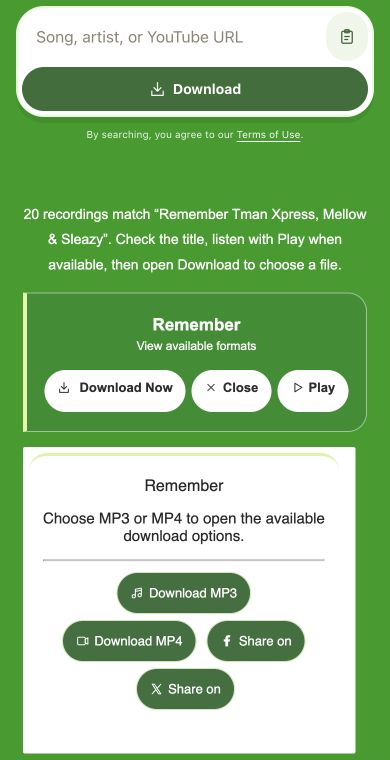
After selecting the result, open the Download options and choose MP3 when it is available. MP4 may also appear for some selected items, but the YTMP3 path is intended for audio-first saving when the sound is what you need.
These features are useful when you want audio from a known recording rather than a broad search through many possible versions.
Exact source input
A YouTube URL points the task toward the specific upload you already chose. This is helpful when the performance, speaker, mix, or version matters. It also reduces the chance of selecting a similarly named result when many uploads share the same title.
Artist and title search
When the link is not available, enter the artist and track title together. Adding a version word such as live, acoustic, remix, clean, or instrumental can make the result list easier to read and helps you pick the intended recording before opening the download options.
Search without an account
You can search, inspect results, and open the available format choices from the browser without creating an account for the search step. The flow is kept short so you can focus on selecting the right recording and choosing the file type offered for it.
Better matches for YTMP3 searches
A few careful input choices can make the result list clearer, especially when the recording has a common title or many similar versions.
Use the source link when you have it
If the exact YouTube upload is already open, copy its page address and paste it into the search field. A source link is more precise than a broad title because it starts from one chosen recording instead of asking you to compare many possible matches.
Add useful version words
For text searches, include details that identify the recording you want. Words such as live, acoustic, remix, clean, instrumental, session, or featuring can help separate the intended result from covers, short clips, alternate edits, and unrelated uploads.
Supporting services for common music tasks
YTMP3 focuses on an audio download from a selected recording. The table compares that starting point with the other music tools available here.
Use the service that matches what you already have: a title, artist, regional track need, or exact YouTube source for audio.
Format choices after selection
YTMP3 is centered on audio, but the available format choices are shown only after you select a result and open Download options.
MP3
MP3 for sound
Choose MP3 when you only need the audio from the selected recording. It is suitable for songs, mixes, spoken clips, interviews, lectures, and other sound-focused items. The options shown depend on what is available for the result you selected.
MP4
MP4 for picture and sound
Choose MP4 only when the visual part is useful, such as a stage performance, demonstration, dance clip, or tutorial. Although this page is focused on YTMP3 audio, an MP4 choice may be shown for some results where video saving is available.
YTMP3 audio questions
What does YTMP3 do here?+
YTMP3 helps you start from a YouTube URL, title, or artist, select the matching recording, and open the available MP3 download choices.
Should I use a YouTube URL or a title search?+
Use a YouTube URL when you already know the exact source, and use a title or artist search when you need to find the recording first.
Can I check the result before choosing MP3?+
Some results show a Play option, which can help you confirm the recording, voice, intro, or version before opening Download options.
Why can MP4 appear on a YTMP3 page?+
MP4 may appear as an available format choice for some selected results, but choose MP3 when you want audio only.
Is this connected to other YTMP3 services?+
YTMP3 is independently operated within Mp3Juice and is not affiliated with other services that may use similar names.
Do I need permission to download audio?+
Only download content when you have the right or permission to do so, or when your use is otherwise allowed.