Tag editing and organization
Undo a Tag Edit in Mp3tag
Undo the last tag edit in Mp3tag with Ctrl+Z immediately; for batch edits, test on copies and verify changes before applying to originals.

Build a better listening library, organize song details and prepare your own DJ sessions. Focused articles with clear examples and practical checks.
Undo the last tag edit in Mp3tag with Ctrl+Z immediately; for batch edits, test on copies and verify changes before applying to originals.
Learn to customize Mp3tag's Tag Panel for safer, task-focused metadata edits by selecting relevant fields, arranging them thoughtfully, and reviewing carefully before batch changes.
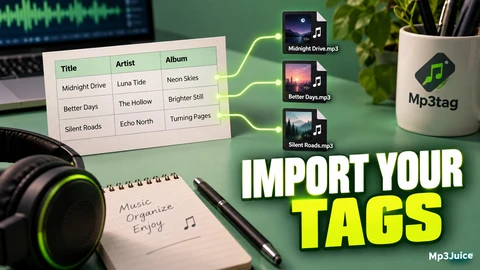
Use Mp3tag's Text File - Tag converter with a format string to import tags from text files, matching rows to files by order or filename.
Learn to build and verify a reusable Action Group in Mp3tag for precise, repeatable tag edits using test files and clear naming.
MusicBrainz Picard option profiles enable switching settings for repeatable tasks, managing controlled options and stack order without affecting saved music tags.
Picard sessions save workspace state to pause and resume music tagging jobs, preserving edits and file placements without writing tags to audio files.
Picard 3.0 custom columns help review music metadata by displaying key values for comparison and verification before saving tags.
Set Picard’s release type, country, and format priorities to influence match ranking; verify track details as preferences guide but don’t confirm exact editions.
Picard 3.0 provides choices to preserve, standardize, or translate artist names in tags, aiding library organization based on user goals.