Search and discovery
Mp3Juice Guide for Fast Music Search and MP3 Access
Find music faster on Mp3Juice by choosing a title, artist, or YouTube URL search, then identifying MP3 options versus completed downloads.

Build a better listening library, organize song details and prepare your own DJ sessions. Focused articles with clear examples and practical checks.
Find music faster on Mp3Juice by choosing a title, artist, or YouTube URL search, then identifying MP3 options versus completed downloads.
Convert individual YouTube video links to MP3 with Mp3Juice while checking results, file location, quality limits, ads, and permissions.
Download MP3 files with Mp3Juice, choose MP3 from result options, avoid Download Now ads, and verify the saved file in your browser.
Switch Music libraries on Mac by quitting, reopening with Option key, and selecting a library. Use for separate collections, verifying active library before edits.
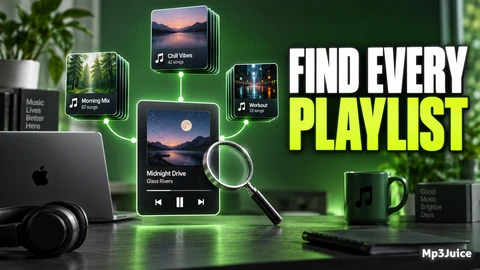
Learn how to identify playlists containing a song on Mac using Apple Music's Show in Playlist feature for accurate library organization.
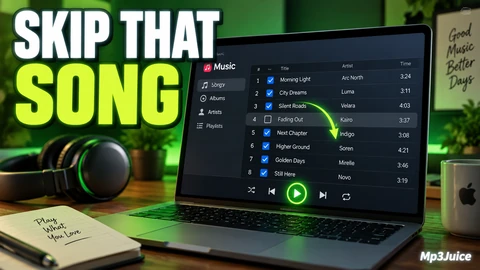
Learn to exclude songs from playback in Mac Music by clearing checkboxes, affecting all playlists without deleting or hiding tracks.
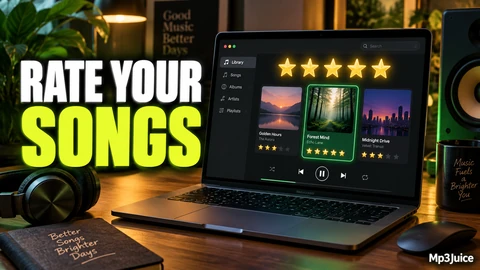
Learn to use star ratings and Favorites in Music on Mac to organize and select songs effectively with a clear, maintainable rating system.
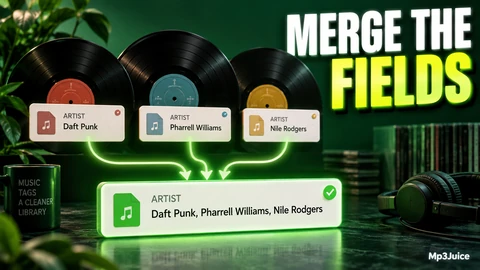
Use Mp3tag's Merge Duplicate Fields to combine repeated tag fields in a single file into one, choosing suitable separators and verifying changes before batch edits.
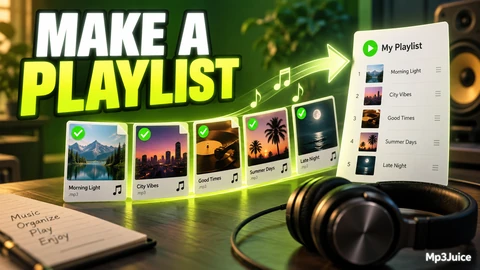
Mp3tag lets you create and generate playlists by selecting, ordering files, and grouping them using tag patterns, ensuring correct playback order and file access.