Listening on Mac
Switch Between Music Libraries on Mac
Switch Music libraries on Mac by quitting, reopening with Option key, and selecting a library. Use for separate collections, verifying active library before edits.

Clear answers and useful next steps for listening on mac.
Switch Music libraries on Mac by quitting, reopening with Option key, and selecting a library. Use for separate collections, verifying active library before edits.
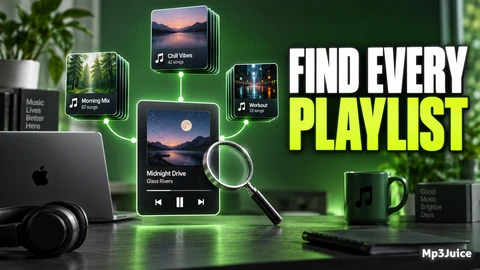
Learn how to identify playlists containing a song on Mac using Apple Music's Show in Playlist feature for accurate library organization.
Learn to exclude songs from playback in Mac Music by clearing checkboxes, affecting all playlists without deleting or hiding tracks.
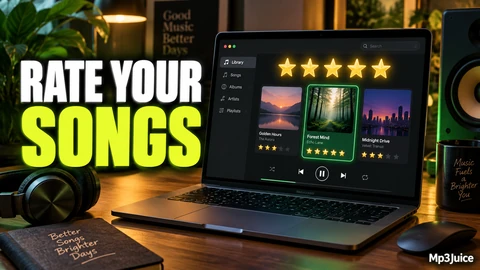
Learn to use star ratings and Favorites in Music on Mac to organize and select songs effectively with a clear, maintainable rating system.