Devices and playback
How to Prepare Mp3Juice Music for Offline Listening
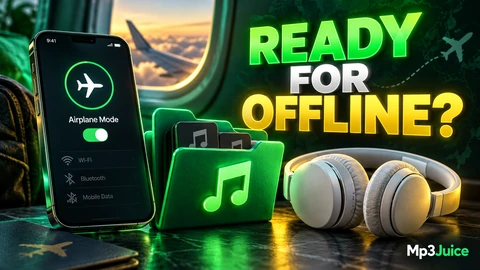
Prepare Mp3Juice music for offline listening by confirming a completed local audio file, compatible player and network-off playback test.

Clear answers and useful next steps for devices and playback.
Prepare Mp3Juice music for offline listening by confirming a completed local audio file, compatible player and network-off playback test.
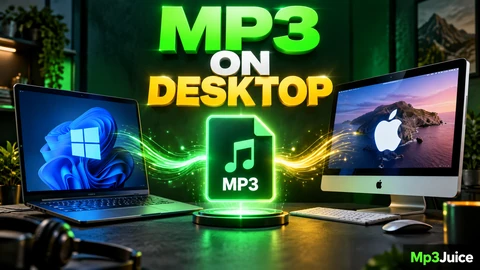
Use Mp3Juice on Windows or Mac without an installer. Compare browser downloads, save locations, history lists and opening MP3 files.
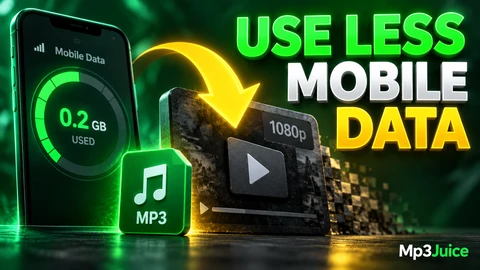
Use less mobile data with Mp3Juice by choosing precise searches, limiting previews, selecting audio, using Wi-Fi, and estimating MP3 sizes.
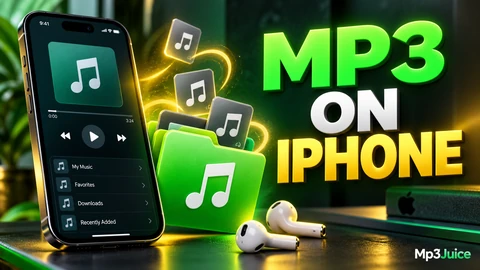
Use Mp3Juice on iPhone in Safari, check download status, find files in Files Downloads, and avoid mistaking previews for saved MP3s.
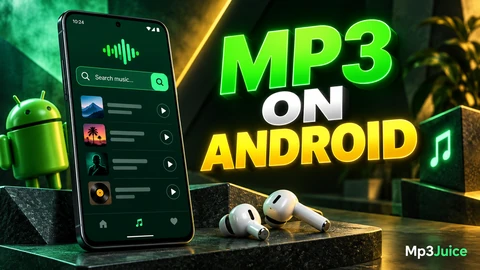
Use Mp3Juice on Android Chrome: search, paste manually if needed, avoid ad buttons, download available MP3 files, and find them in Downloads.